Share Claude Artifacts With ChatGPT, Cursor and Gemini
4 min read
ChatGPT can't open a Claude artifact. Neither can Cursor or Gemini. Claude Artifacts live in claude.ai, and the only way to get one into another AI is to copy its code or export a file and upload it, which gives the other AI a copy that drifts away from the original. To use the same artifacts across Claude, ChatGPT, Cursor and Gemini, you keep them in one place that all of them can read and write.
Most teams we talk to already use more than one AI. Engineers have Claude Code or Cursor open all day, sales uses ChatGPT, and the data team runs Gemini CLI. Each of them makes pages, documents and dashboards, and each one's work ends up in a different app. We built Anchor so it all ends up in the same place.
Can ChatGPT open a Claude artifact?
Not directly. ChatGPT has no way to reach your Artifacts tab on claude.ai, and Anthropic doesn't offer one. You can paste an artifact's code into ChatGPT, or export it (Docs as Markdown or Word, designs as standalone HTML, Claude Sheets as .xlsx or CSV) and upload the file. ChatGPT can read it and change it. But now there are two versions, and the one your team opens in Claude doesn't get the changes.
It's the same in reverse. A document you draft in ChatGPT's Canvas stays in ChatGPT, and Claude can't open it.
Can you edit a Claude artifact with another AI?
You can only edit a copy of it. You have to paste every outside edit back into Claude by hand, or the artifact your team uses stops matching the file you changed. That works once. It falls apart as soon as two people on two different AIs touch the same dashboard in the same week.
Interactive artifacts lose more on the way out. A Claude artifact can save data, call Claude and use your connected apps, and all three only work inside Claude. Our guide to exporting Claude Artifacts lists what each export keeps.
How does ChatGPT Canvas compare with Claude Artifacts?
They started as the same idea: a panel next to the chat where the AI writes something bigger than a reply.
ChatGPT Canvas is a side panel for writing and code inside a ChatGPT conversation. You and ChatGPT edit the same draft, and you can ask for changes to one paragraph at a time.
Claude Artifacts went further this year. They start from templates for docs, slides, designs, dashboards, spreadsheets and whiteboards, they're shared with your team through claude.ai links, and interactive ones can save data and call Claude. Interactive ones can also use your connected apps.
Gemini Canvas is Google's version, and it hands work off to Google Docs, Slides and Colab.
All three have the same limit. What you make lives in the app that made it. None of them opens the others' files, so a team on two AIs ends up with two piles of work.
How do you share artifacts across Claude and ChatGPT?
To share artifacts across Claude and ChatGPT, store them outside both. Claude, ChatGPT, Cursor and Gemini CLI all speak MCP, the Model Context Protocol, which lets an AI use tools and files that live somewhere else. Put your artifacts in a place they can all reach over MCP, and every one of them works on the same file.
That's what Anchor is. It's a file system for AI artifacts: HTML pages, documents, presentations, apps and live tables in folders, with a link for every file. Any agent you connect can read and write them. When ChatGPT changes a dashboard that Claude built, it changes that dashboard, not a copy of it.
How do you connect Claude, ChatGPT, Cursor and Gemini to Anchor?
You sign in to each one with the same Anchor account.
- Claude. On claude.ai, open Customize, then Connectors, then Browse connectors, and add Anchor. Claude Desktop and Claude Code connect too.
- ChatGPT. Install Anchor from the ChatGPT plugin directory, then type @Anchor in a chat.
- Cursor, Codex, Gemini CLI and OpenCode. Add Anchor's MCP server to the agent's settings with one URL,
https://mcp.anchor.cc/mcp, and sign in when it asks.
The supported agents page has the steps for each one, including Open WebUI and any other agent that speaks MCP.
Can Claude and ChatGPT edit the same file?
They can, when the file lives in Anchor.
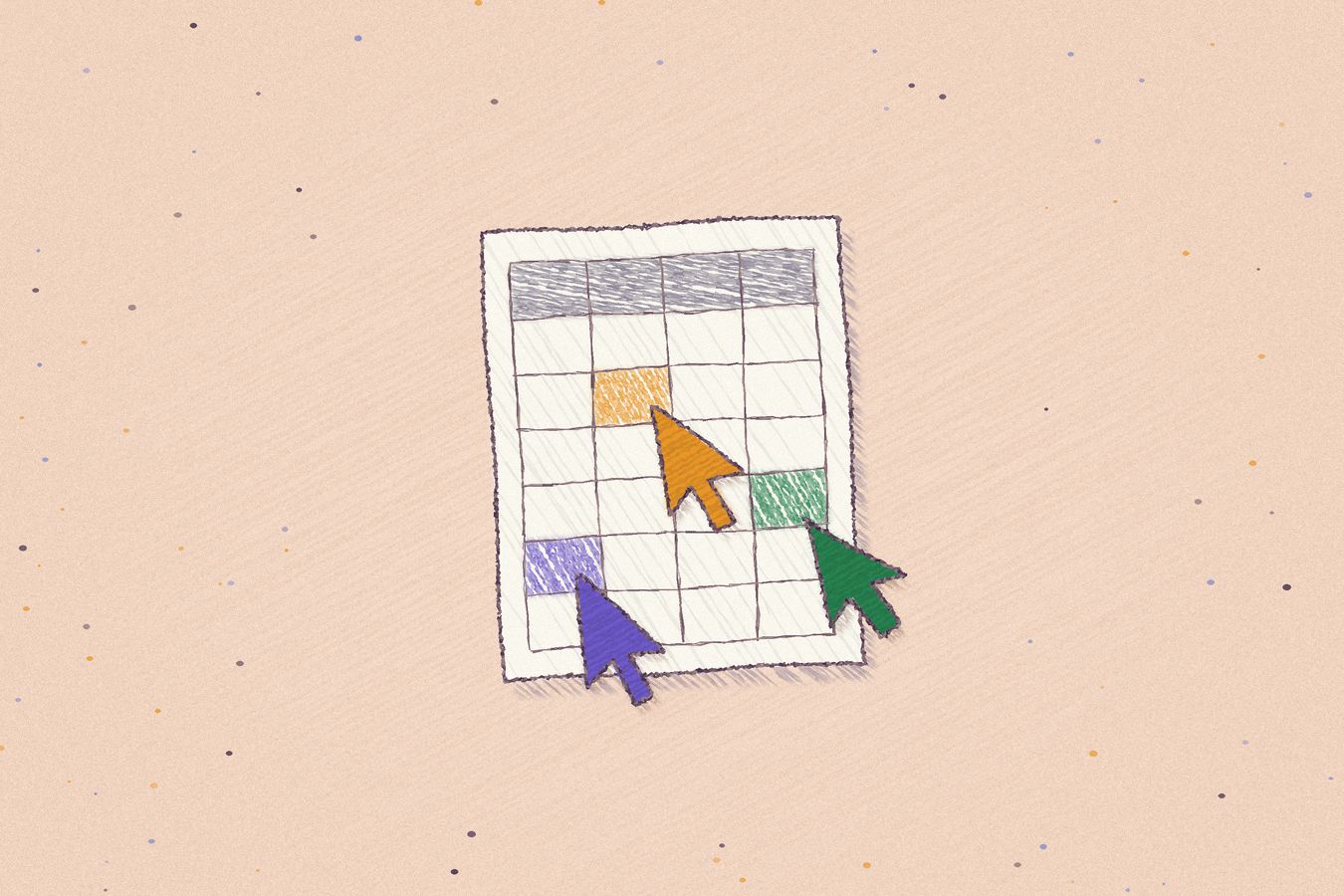
Say your head of sales asks Claude for a pipeline dashboard on Monday. Claude builds it as an Anchor app that reads the deals table and the CRM, and saves it in the Sales folder. On Tuesday an account executive asks ChatGPT to add a column for next steps, and ChatGPT edits the same app. On Wednesday an engineer opens Cursor to fix a slow query in it. Nobody exported anything, and the link the team bookmarked on Monday still works.
Anchor keeps a version for every edit, by people or by agents, and shows who made it: Claude, ChatGPT, or the person who clicked save. If an edit goes wrong, you can restore the version before it.
Do the people you share with need ChatGPT or Claude?
The people you share an Anchor file with don't need a Claude account, a ChatGPT account, or any AI at all. They need a browser. You can share a file with specific people, with everyone at your company, or with anyone who has the link.
That's different from Claude, where Docs open only for people signed in to Claude, and an artifact that calls Claude uses each viewer's own Claude plan.
Can you keep using Claude Artifacts too?
Yes. A Claude artifact is the quickest way to get a chart or a one-off page you'll look at once. We'd move a file to Anchor when your team starts relying on it, when someone on a different AI needs to change it, or when it holds data your company would want back if you ever left Claude. Our Claude Artifacts alternative post covers that choice in more depth, and the enterprise guide to LLM vendor lock-in covers the lock-in risk.