Claude Artifacts Alternative Without Vendor Lock-In
6 min read
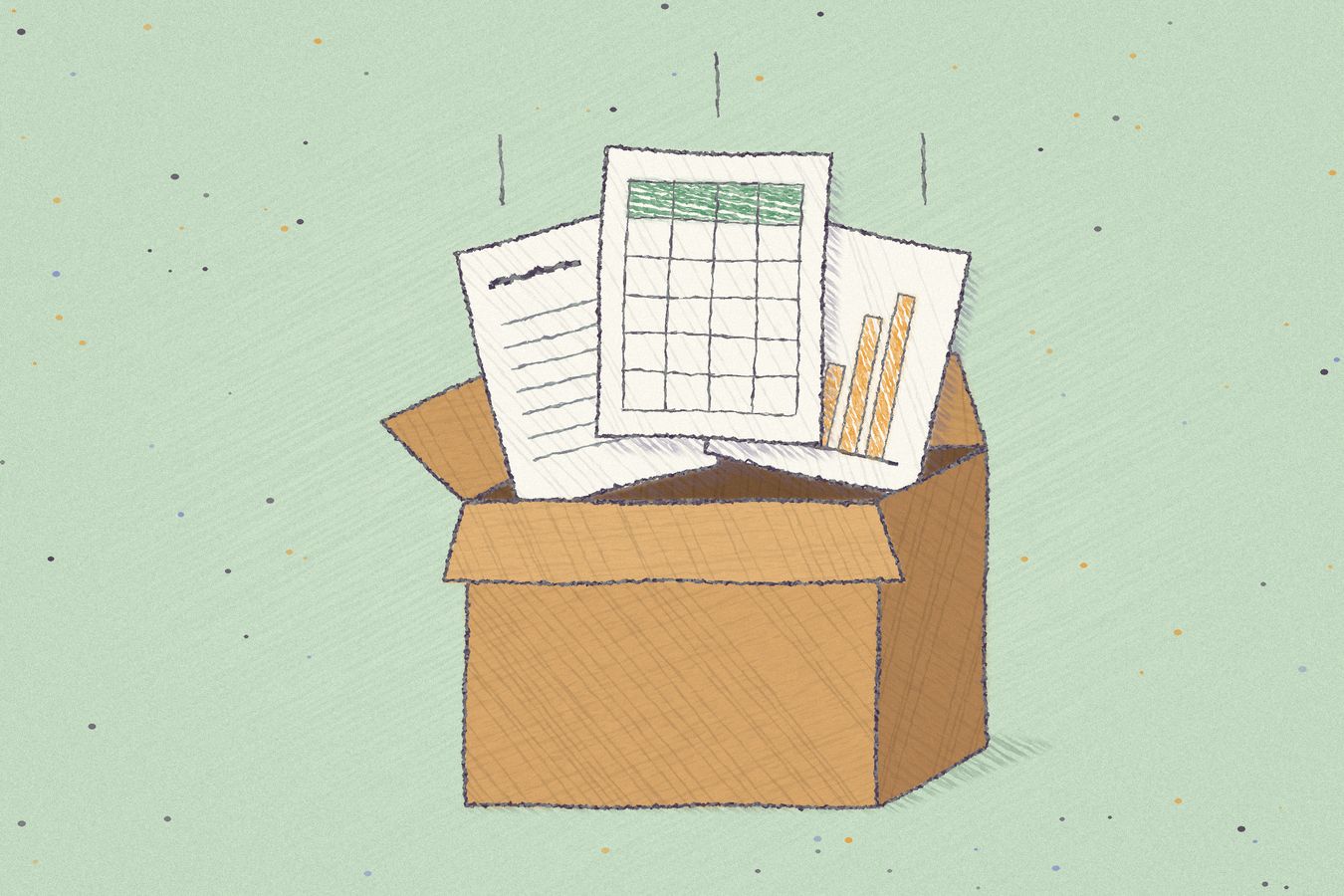
Claude Artifacts are the pages, documents, slides, dashboards and now spreadsheets that Claude makes for you inside claude.ai. They got a lot better this fall. They also live in Anthropic's app, so the more your company builds with them, the harder it gets to use any other model. Anchor is an alternative for teams that want to keep using Claude and keep their artifacts somewhere they own.
We build Anchor, and we use Claude every day. We like it a lot. What we care about here is where the files end up.
What's new in Claude Artifacts?
Claude Artifacts changed a lot in the fall of 2026. On September 16, Anthropic rebuilt artifacts so that new ones start from templates, and everything made before that date became a "legacy" artifact. Docs, Slides and Design are now on every plan, Free included. Claude Dashboards launched in beta in October.
On November 10, Anthropic announced two more, both in beta on paid plans. Claude Sheets is a spreadsheet Claude builds and edits with you, with tabs, formulas, drop-downs and tracked edits. Claude Whiteboards is a shared board where your team brainstorms with Claude. Dashboards left beta the same day under a new name, Claude Data. It connects to your data warehouse or CRM, keeps certified metric definitions, and shows viewers the results without the data underneath.
Docs, slides, sheets, boards and dashboards, all made by asking and all shared with your team inside Claude. Together that covers most of what an office suite does.
Where do Claude Artifacts live?
Claude Artifacts live in claude.ai. Anthropic's own announcement says your documents, boards, sheets and dashboards "can stay in Claude, with access for your team to continue editing together." They're saved in the Artifacts tab, shared through claude.ai links, and edited through Claude.
The parts that make an artifact feel alive live there too. According to Anthropic's help center, an artifact can store up to 20 MB of text between sessions, and when a page calls Claude, "the app runs on Anthropic's infrastructure" and the usage counts against each viewer's own Claude plan. Connected apps work the same way: everyone connects their own.
You can export some of it. Docs go out as Word, PDF, Markdown or Google Docs, decks as PowerPoint, PDF or Google Slides, designs as standalone HTML, and sheets as .xlsx or CSV. But an export is a copy of how the file looked that day. The saved data, the calls to Claude, the connected apps, the sharing and the comments stay behind. A Claude Data dashboard is a set of approved queries that Anthropic runs for you, and its PDF is a picture. We wrote a full guide to exporting Claude Artifacts that goes type by type.
Do Claude Artifacts cause vendor lock-in?
They do, because artifacts are company data. A territory dashboard, a hiring budget, the pricing calculator your sales team opens every morning: these are your company's records as much as anything in your CRM. When they live in one AI vendor's app, that vendor holds the tools your teams run on along with your chats.
That's fine until you want to change something. A better model might ship somewhere else next year, and each of the big three labs has held the lead at some point in the last two years. One team might prefer ChatGPT. Your data team might want an open model running in your own cloud. Procurement might want a second vendor at renewal. Each of those means leaving the artifacts behind or rebuilding them, and the vendor knows what that would cost you.
We wrote about this at length in our enterprise guide to LLM vendor lock-in. The short version is to keep the company that sells you the model apart from the place your files live.
Keep using Claude for what it's good at. Keep what it makes somewhere you own.
What are the alternatives to Claude Artifacts?
There are a few, and they solve different problems.
ChatGPT Canvas is OpenAI's version. It's a side panel for writing and code inside a ChatGPT conversation. It's good for drafting, but what you make there lives in ChatGPT, so you swap one vendor's app for another's.
Gemini Canvas is Google's. Its strength is the handoff to Google Docs, Slides and Colab, which helps if your company already runs on Google Workspace. The work then lives in Google's apps instead of Anthropic's.
Open WebUI and LibreChat are open source chat apps you host yourself. Both can render HTML artifacts in the chat and both work with Claude, GPT and local models. They're the right pick if what you want is a self-hosted chat interface. Their artifacts are tied to a chat, though, and there's no folder of files your whole company opens and edits.
Small open source artifact servers, like artifact-server, let you publish the HTML that an agent made to a server you run. They're young projects, and you'd be the one keeping them up.
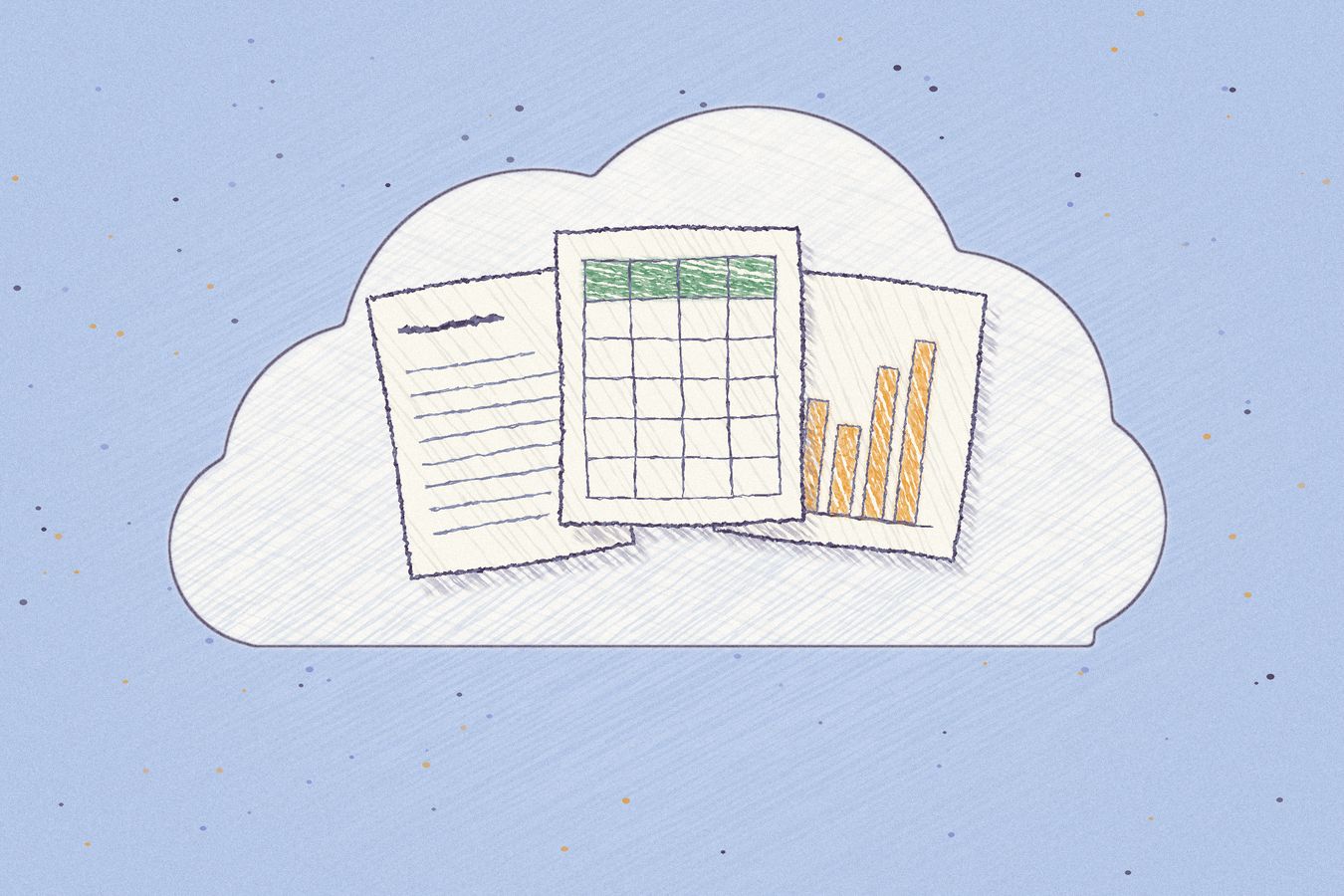
Anchor keeps artifacts in a file system that every agent can read and write, and that you can run in your own cloud. It's the one on this list that we built.
How is Anchor different from Claude Artifacts?
Anchor is a file system for AI artifacts. HTML pages, documents, presentations, apps and live tables sit in folders, and every file has a link your team can open and edit.
We don't replace Claude. Claude connects to Anchor over MCP, the same open protocol it uses to reach Linear or Notion, and saves its work in Anchor instead of in claude.ai. ChatGPT, Gemini CLI, Cursor, Codex and Claude Code do the same, and so does any open model behind an agent that speaks MCP. The list is on our supported agents page.
Apps in Anchor run on live data. An app can read a table in Anchor and call the MCP servers your company has approved, like Jira, Salesforce or your data warehouse. Each person approves what an app can read and write before it runs, and every app runs in its own sandbox on its own subdomain.
Is there an alternative to Claude Data and Claude Sheets?
For Claude Sheets, the closest thing in Anchor is a table. Every Anchor table is a PostgreSQL table with typed columns, and any agent can query it with SQL or add rows. You open it in the browser like a spreadsheet, and your agent works on the same rows.
For Claude Data, you build the dashboard as an Anchor app. Ask your agent for one, point it at the warehouse, the CRM or an Anchor table, and share the link. The app's queries are plain code your team can read, and they keep working when you change agents. Claude Data's certified metrics are a good idea, and Anchor doesn't have them. Its other rule, that viewers see results and not raw data, you can copy: keep the queries in the app, and give viewers access to the app instead of the tables behind it.
Can you use artifacts without a Claude subscription?
Mostly not on Claude. Storing data, connected apps, Claude Data and Claude Sheets all need Pro or above. Docs open only for people signed in to Claude. When a page calls Claude, each viewer needs their own Claude account and plan.
Anchor doesn't sell AI. It runs on the agent subscriptions you already pay for, whichever ones they are. It doesn't charge per seat either, and the Free plan includes 100,000 Compute Credits a month. People you share a file with don't need a Claude account, a ChatGPT account or any AI at all to open it.
Can you self-host Claude Artifacts?
You can't. Claude Artifacts run only on claude.ai. Anchor can run in your cloud: on Enterprise, Anchor runs single tenant inside your own VPC on AWS, Google Cloud or Azure, with your own PostgreSQL database and your own storage bucket. People sign in with your SSO over OIDC, and backups land in your own storage. Anchor stores your artifacts in your cloud, not on our servers.
Anchor isn't open source. What keeps you free to leave is the formats. Pages are HTML, notes are Markdown and tables are PostgreSQL, so you can read every one of them with tools that have nothing to do with us. The enterprise page has the details, and Anchor Security covers how we lock down a deployment.
What happens to your artifacts if you switch from Claude?
Artifacts in Anchor stay where they are when you switch from Claude: in the same folders, at the same links, in your cloud. You connect the new agent to Anchor and it works on the files Claude made. A dashboard Claude built on Monday can be changed by ChatGPT on Tuesday, at the same link.
You can also run more than one at a time: engineers on Claude, analysts on ChatGPT, and someone trying the newest open model. In Anchor they all work on the same files. We walk through that setup in how to share Claude Artifacts with ChatGPT, Cursor and Gemini.