
Cloud For Business People
4 min read
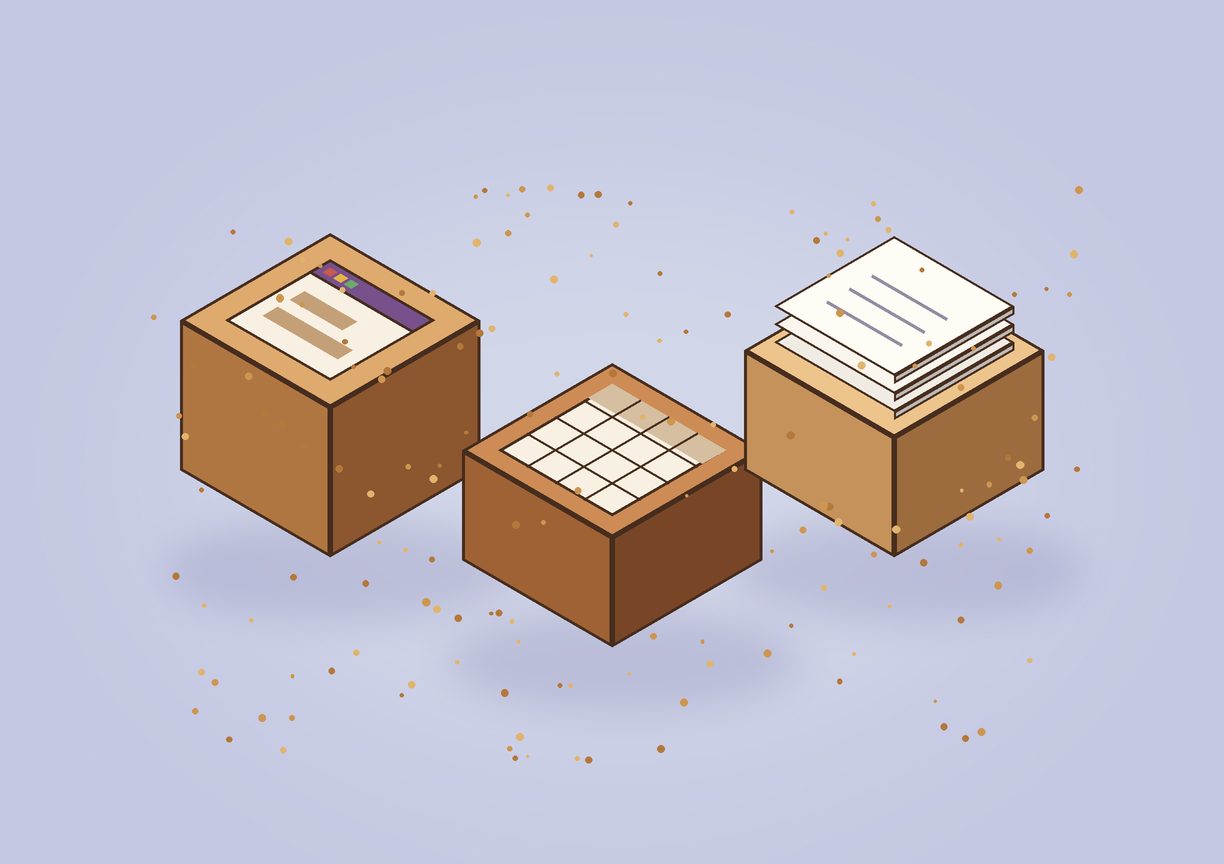
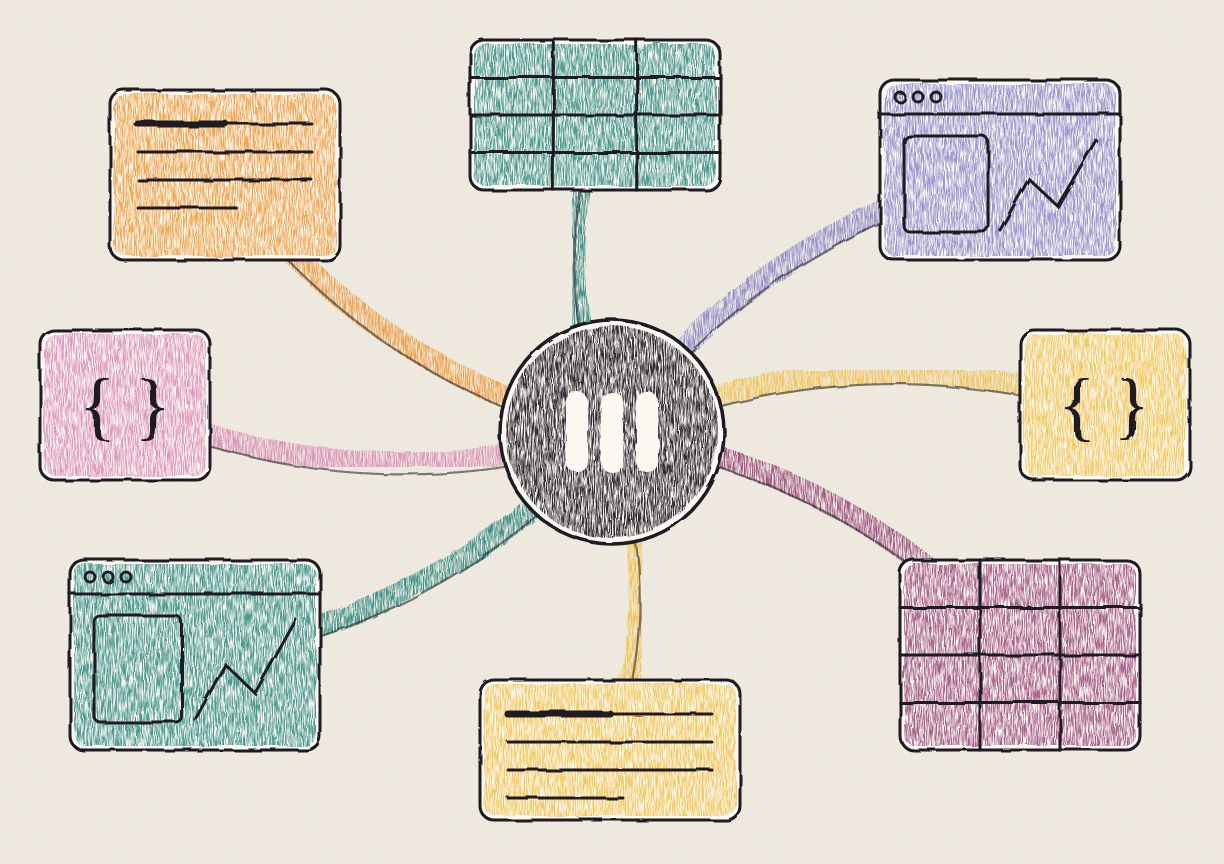
Cloud for business people means giving people who don't write code the same three building blocks software engineers have used for twenty years: a place to run apps, a place to keep tables of data, and a place to store files. At Amazon those are EC2, RDS and S3. In Anchor they're apps, tables and files, and you make them by asking your AI agent.
What did the cloud change for software engineers?
On March 14, 2006, Amazon launched S3, a service that stored any file you sent it and charged by the gigabyte. EC2 followed that August. For 10 cents an hour you could rent a server, with no contract and no wait for hardware.
Before that, a company that wanted to run software bought servers, racked them in a data center and hired people to keep them running. A startup had to guess its traffic months ahead. Guess too low and the site fell over on launch day. Guess too high and the money sat in a rack doing nothing.
The cloud made all of that an API call. Two engineers could build something used by millions of people, and add machines in minutes when it took off. Backups, replication and security, work that used to need its own team, came with the services. Most of the software you used today runs this way.
Three companies won. Microsoft launched Azure in 2010, and Google followed App Engine (2008) with Compute Engine in 2012. In the third quarter of 2025, AWS held 29% of worldwide cloud infrastructure spending, Microsoft 20% and Google 13%, according to Synergy Research. That's 63% of a market worth $107 billion a quarter.
Which cloud services do developers actually use?
AWS lists more than 200 services, and Azure and Google Cloud aren't far behind. There are services for machine learning, IoT fleets, quantum computing and even satellite ground stations.
Ask a developer what they use, though, and you'll hear the same three almost every time:
- Virtual machines, like Amazon EC2, Google Compute Engine and Azure Virtual Machines. Your server runs here: the code that answers requests.
- SQL databases, like Amazon RDS, Google Cloud SQL and Azure SQL Database. Structured records live here, like customers, orders and invoices. A relational database keeps them consistent, so two people changing the same row at once don't corrupt it.
- Blob storage, like Amazon S3, Google Cloud Storage and Azure Blob Storage. A blob is any file: an image, a video, a PDF, a backup. You put it in and get it back by name.
Every developer learns this split early. The server goes on a VM, the relational data goes in SQL, and the files go in blob storage. With those three you can build most of the software people use at work, from a CRM to a booking system to an internal dashboard. We'd put it at nine apps out of ten. Most of the other services exist for the cases those three don't cover, or to make one of the three easier to run.
Why couldn't business users use the cloud?
Business users need the same three things. Look at what a sales ops lead, a finance team or a recruiter does all day. They need small tools that fit their process: a tracker, a calculator, an approval form. They need tables of records that several people edit at once. And they need somewhere to keep the files those records point to.
What they get is a spreadsheet, a shared drive and an email thread. The spreadsheet plays the database, and it breaks when three people edit it at once or when it passes Excel's limit of 1,048,576 rows. The shared drive plays blob storage. The app usually doesn't exist at all, because building one meant filing a ticket with engineering and waiting.
The cloud never reached these people because of what it takes to use it. To launch a VM you pick an instance type, a region, a security group and an operating system image, then you log in to the machine and deploy your code. To set up a database you configure networking, users and backups, then write SQL. That's a fair trade for an engineer. For someone in finance it's a wall.
What does the cloud look like for business people?
AI agents can now write code and SQL for anyone who can describe what they want. Claude, ChatGPT and the others are good at both. What was still missing was the cloud underneath: somewhere the agent's work runs, gets stored and gets shared, without anyone opening an AWS console.
We built Anchor to be that. It has the same three building blocks, under names you already use.
Apps, in place of virtual machines. You ask your agent for an app, say a tracker for every contract up for renewal this quarter, and it builds one in Anchor. The app gets a link. You open it in the browser, share it with your team, and it works. There's no server to pick, nothing to deploy and nothing to patch.
Tables, in place of SQL databases. Every Anchor table is a PostgreSQL table, the same database that Amazon RDS, Google Cloud SQL and Azure all offer. Your agent creates it, adds columns, and reads and writes rows in SQL. You open it in the browser and it looks like a spreadsheet, with changes from your team and your agents showing up live. The apps you build read and write the same tables, so the tracker and the data behind it stay in step.
Files, in place of blob storage. PDFs, images, exports and the pages your agent writes go into folders, the way they would on your computer. Underneath, they're stored in Amazon S3. Each file has a link you can share, and you decide who can open it.
You never need to learn the names on the left to use the ones on the right.
How much more can a business user get done?
With EC2, RDS and S3, a developer can build in a week what used to take a team and a hardware budget. We think business users are about to get a jump of the same size. When the person who knows the process can have the tool built that afternoon, a lot of work goes away: rebuilding the same spreadsheet every month, hunting for the latest version of a file, waiting a quarter for an internal tool that's out of date by the time it ships.
We think the gap is something like 100x, and we built Anchor around that bet. Apps, tables and files covered almost everything developers needed for twenty years. We're betting they cover what everyone else needs now too.